How to Install the Fileverse dDocs App on Your Phone
Here's how to add the Fileverse dDocs app to your home screen in a couple of taps and write anywhere, even offline.

A lot of writers do their best work on mobile, be it on their phone or even tablet/iPad. Not everyone has a laptop and many of us only get time to write while on our commute to or from work, or while hiding from prying eyes, or when a passing thought really needs to be noted down.
As such, one of the questions we are most often asked is: does Fileverse dDocs have an app? Long story short, the answer is: Yes!
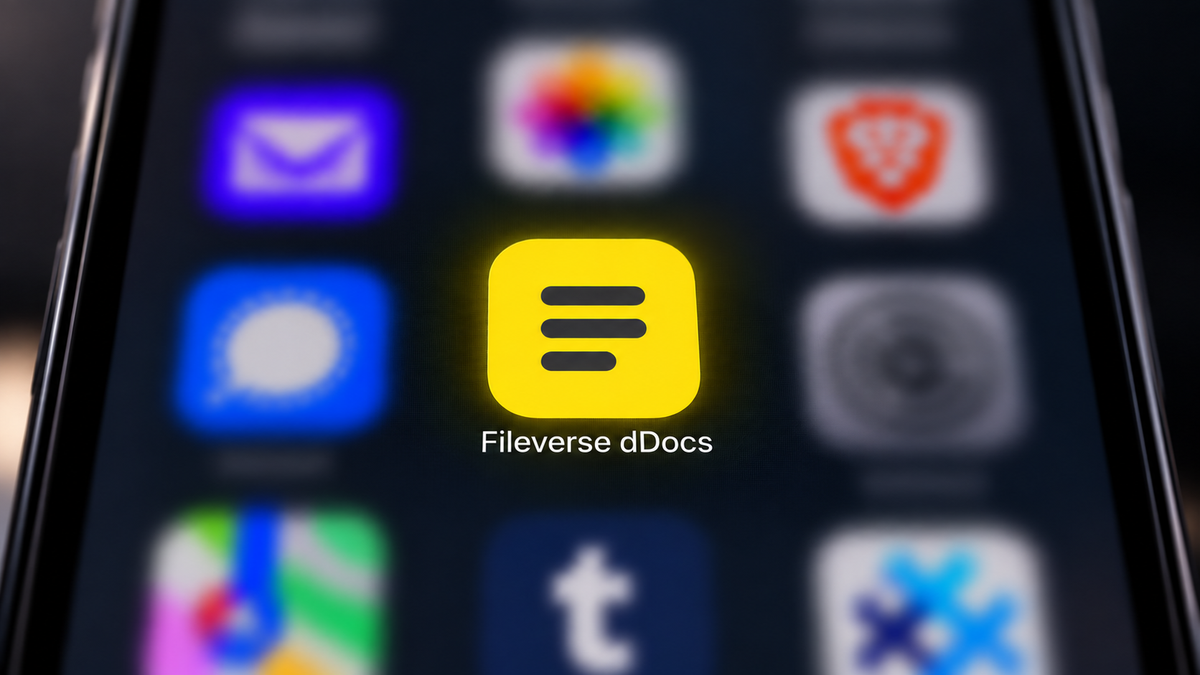
You can add Fileverse dDocs to your home screen in a few taps, directly from your browser, without needing to go through the App Store or Google Play! Once you have added the app on your mobile homescreen you can even write offline more easily or open older documents of yours without being connected to the WiFi.
Add dDocs to Your Home Screen
On iPhone
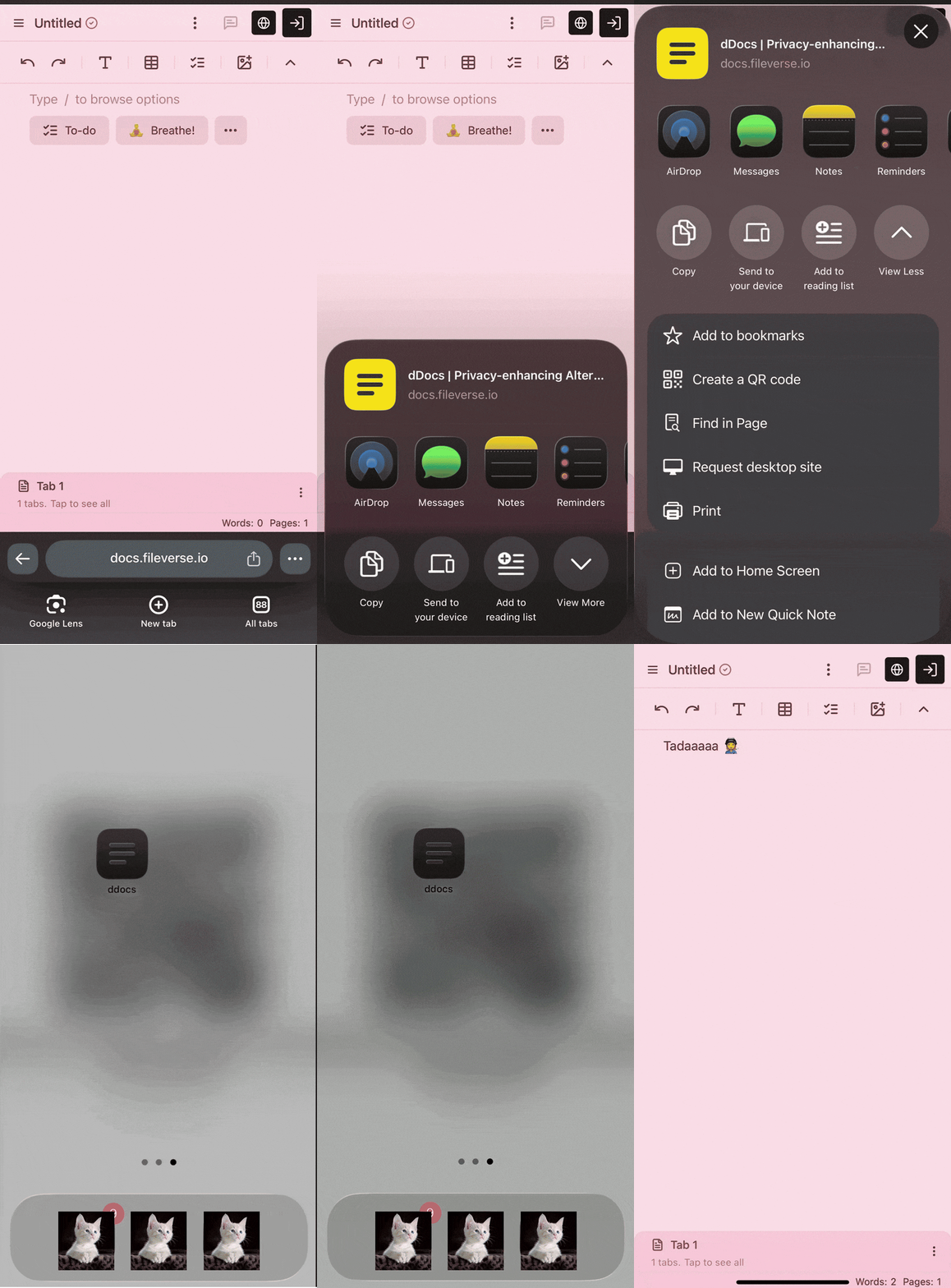
- Open Fileverse ddocs.new in your mobile browser (Safari, Chrome, Edge, Brave)
- Tap the Share icon (the square one with an arrow)
- Scroll down and tap Add to Home Screen
On Android
- Open Fileverse ddocs.new in your browser
- Tap the menu (••• or ☰)
- Tap Add to Home Screen (or Install App)
With these few steps done, the Fileverse dDocs icon should now be visible on your home screen!
Write Anywhere, Even Offline
With the dDocs app being a tap away on your home screen, you can access your drafts in an instant, whether you’re online or offline! Fileverse dDocs works fully without any internet connection: all the docs you've opened before are stored on your device’s browser, so you can carry on editing them at will.
Offline edits are stored in your browser, then synced automatically across all your devices once you're back online. That way you can write your story on a plane, or at a lovely café with spotty wifi!
Made for Writers
Fileverse dDocs has all the features you'd expect from Google Docs (and more) but it's also end-to-end encrypted, open-source, and does not force any AI features on you. Your writing stays completely private by default, nothing can be scanned or used to train AI models. Finally, you can always recover your data backups independently of Fileverse, even if the App goes down!
For everything dDocs offers writers, have a look here 👩🏭
Or start writing directly: ddocs.new 💛
What’s next?
Fileverse is also preparing a more complete mobile App (iOS/Android) that will be available to download through the App Store and Google Play Store. More on this very soon!